Opal Index
A gemstone spreadsheet alternative you can scan.
Bring lots in from CSV, then live in the app — camera scan beats scrolling columns when your hands are dusty.
Leave the spreadsheetIn the app
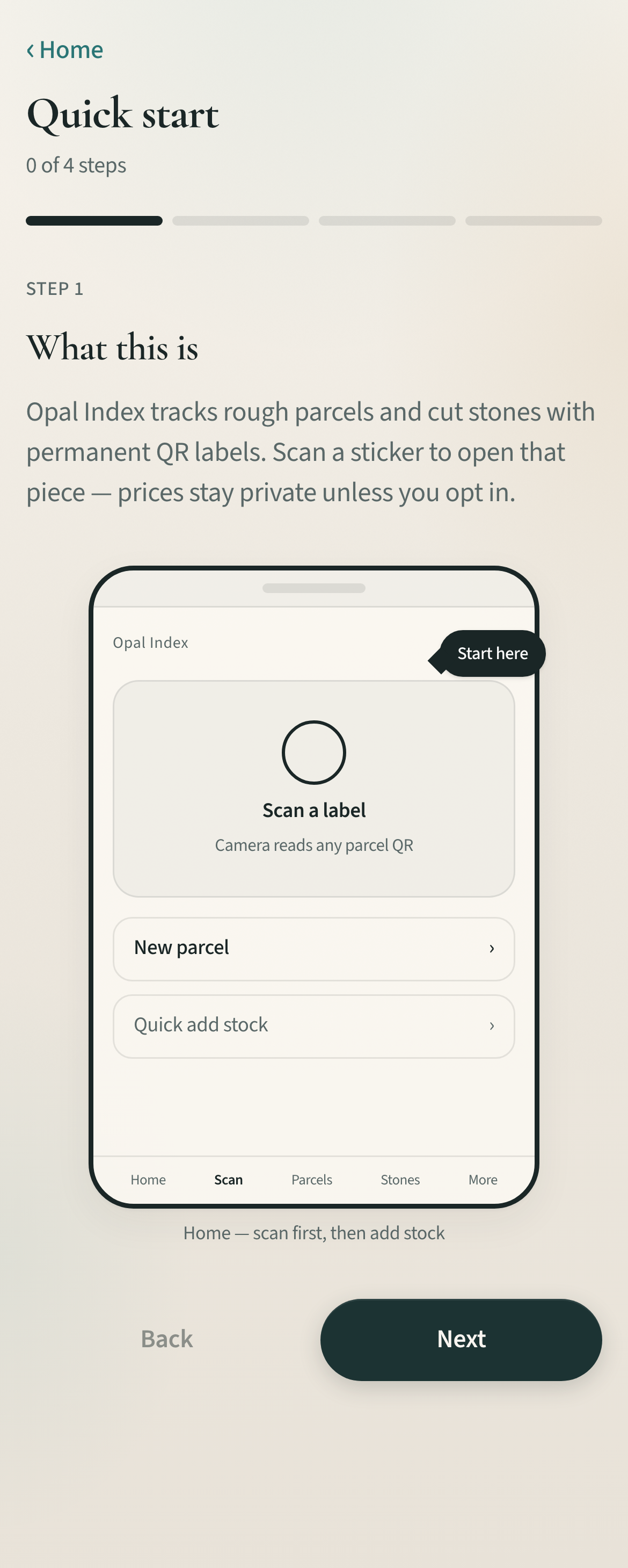
See it on the phone.
Why it fits
Three reasons to switch.
- PRO CSV import for parcels, stones, and locations with column mapping
- Photos and purchase proofs attached to the record — not a drive folder
- Mobile-first so the bench and the booth share one source of truth
FAQ
Common questions
Can I import my existing spreadsheet?
Yes on PRO. Upload CSV, map columns to Opal fields, preview validation, then commit. Stones need an existing parcel ref.
What if my columns have different names?
The importer suggests mappings from common aliases (seller, carats, parcel_id, etc.). You can remap before import.
Do I lose my history if I stop using Sheets?
Opal keeps purchase history, sales, and archives. Export when you need a file for your accountant.