Help CenterCamera scanning guide
Scan
Camera scanning guide
Open stock from a label with Safari or Chrome — HTTPS, permissions, and manual lookup.
Before you scan
- Use https://opalindex.com in Safari (iPhone) or Chrome (Android). Cameras are blocked on insecure http:// links on phones.
- Allow camera permission when prompted.
- If you previously denied access: Settings → Safari/Chrome → Camera → Allow for this site, then tap Start camera again.
Scan a label
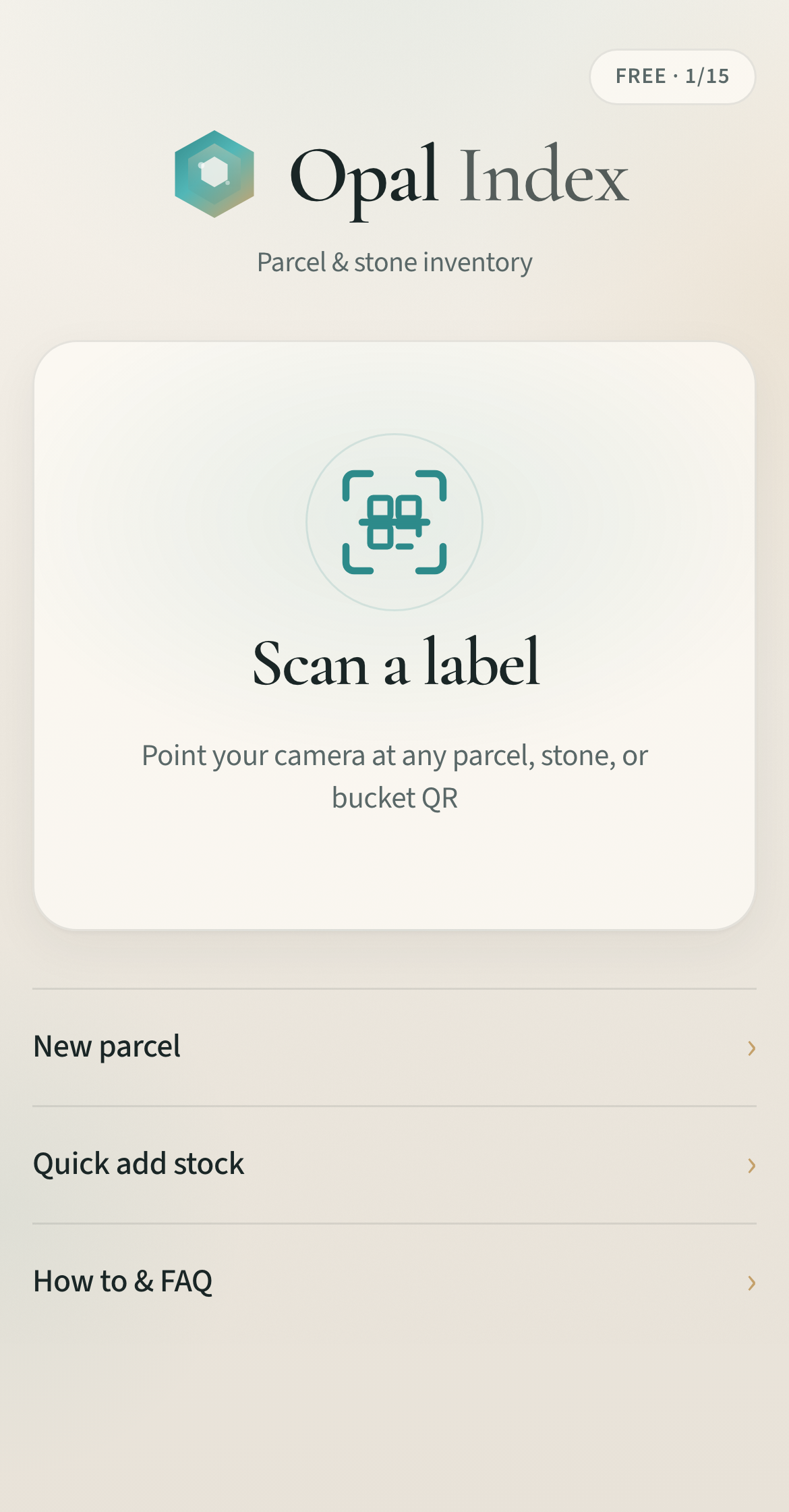
- Home → Scan a label.
- Point at any parcel, stone, or bucket QR.
- The record opens instantly — no typing dusty refs.
Manual lookup
No camera? Type a ref like S-0001 or paste a /t/… link from a label. Free accounts are limited to 40 scans per month.
Home Screen tip (iPhone)
After a splash-color fix, delete the old Home Screen icon and Add to Home Screen again so iOS reloads cream launch assets.