Help CenterGetting started
Quick start
Getting started
Create an account, add your first parcel, print a QR, and scan it back.
1. Create an account
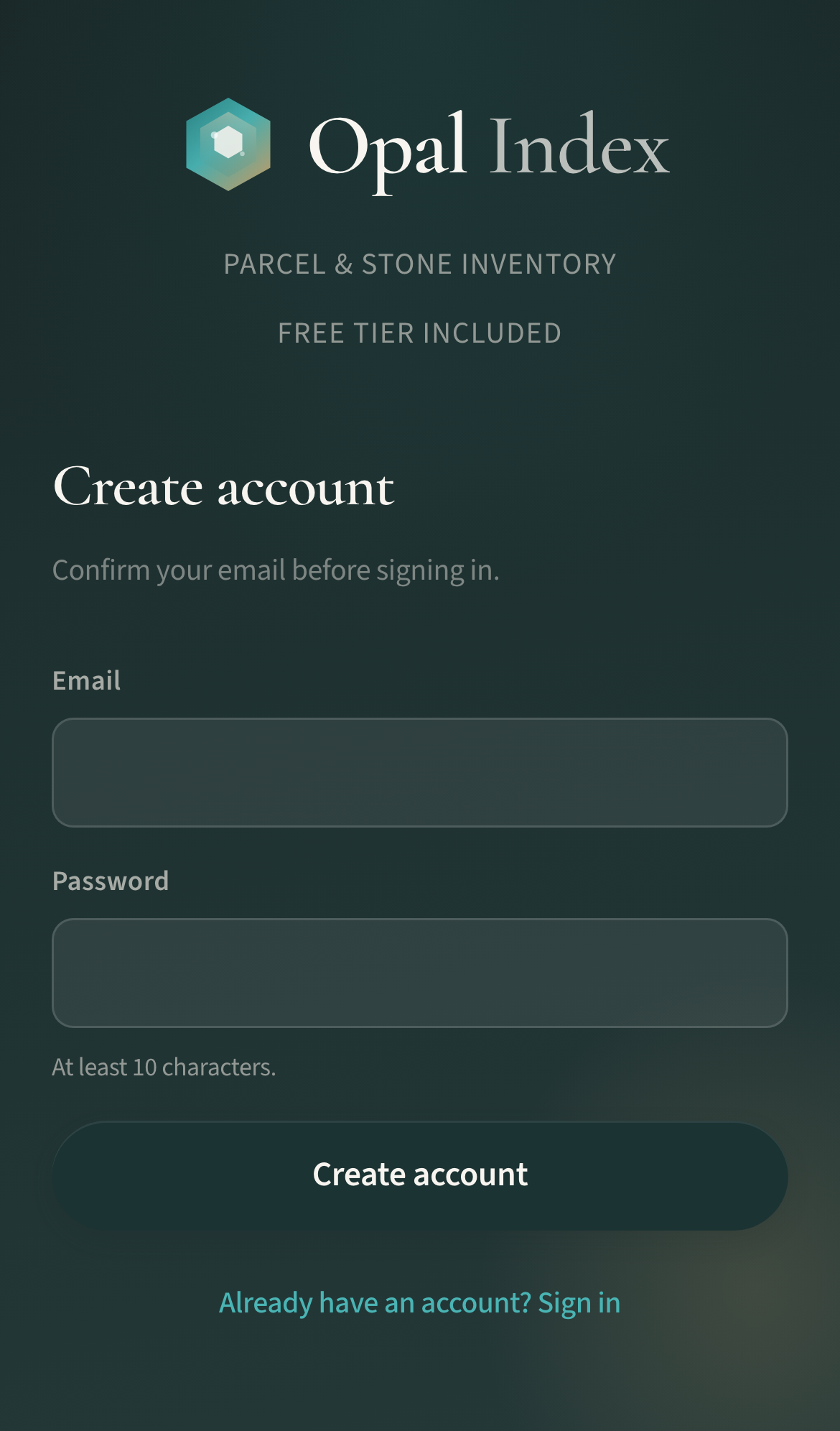
- Open Create an account (/register).
- Enter email and password (10+ characters).
- Confirm your email, then sign in. New accounts start on Free.
2. Add a rough parcel
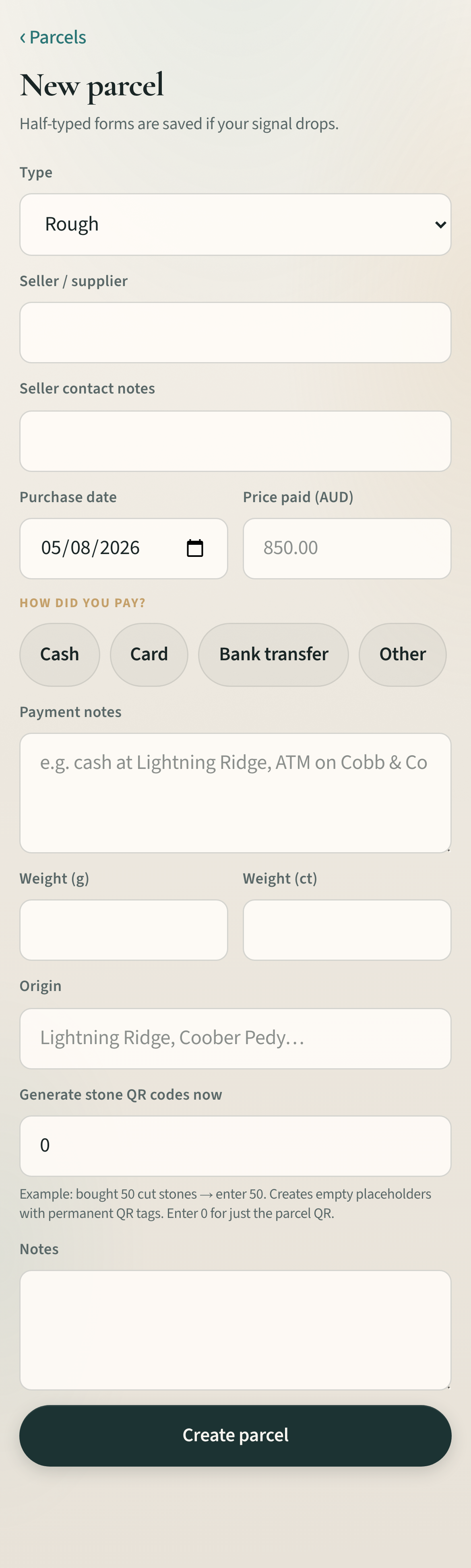
- Home → New parcel (or finish Quick start).
- Enter type (Rough/Cut), seller, date, price (AUD), and weight.
- Save — you get a ref like P-0001 and a secret QR token.
3. Print a QR label
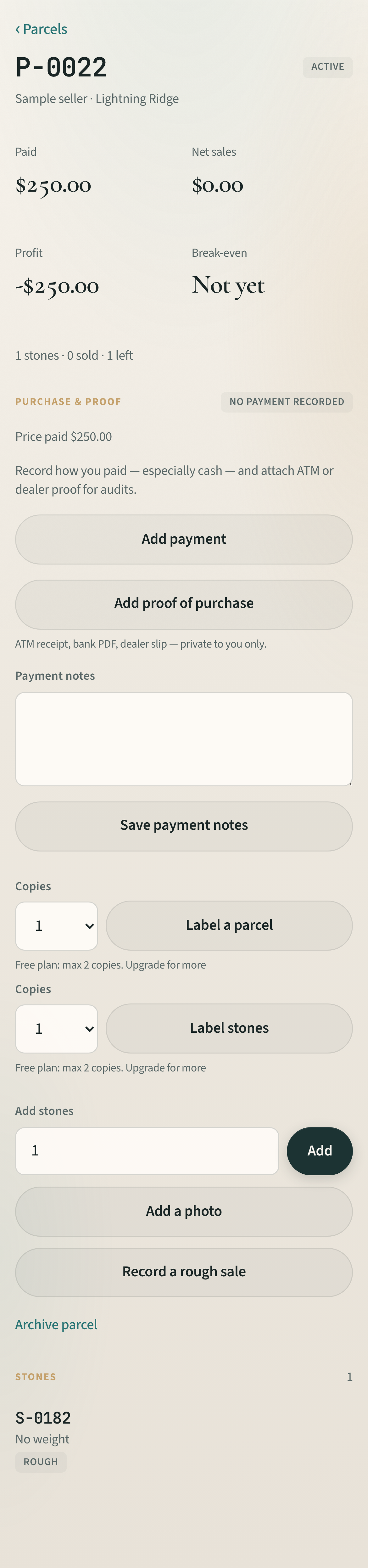
- Open the parcel → Download label.
- Free allows up to 2 copies (e.g. capsule + bag).
- Set your permanent domain (https://opalindex.com) before printing keepers.
4. Scan anytime
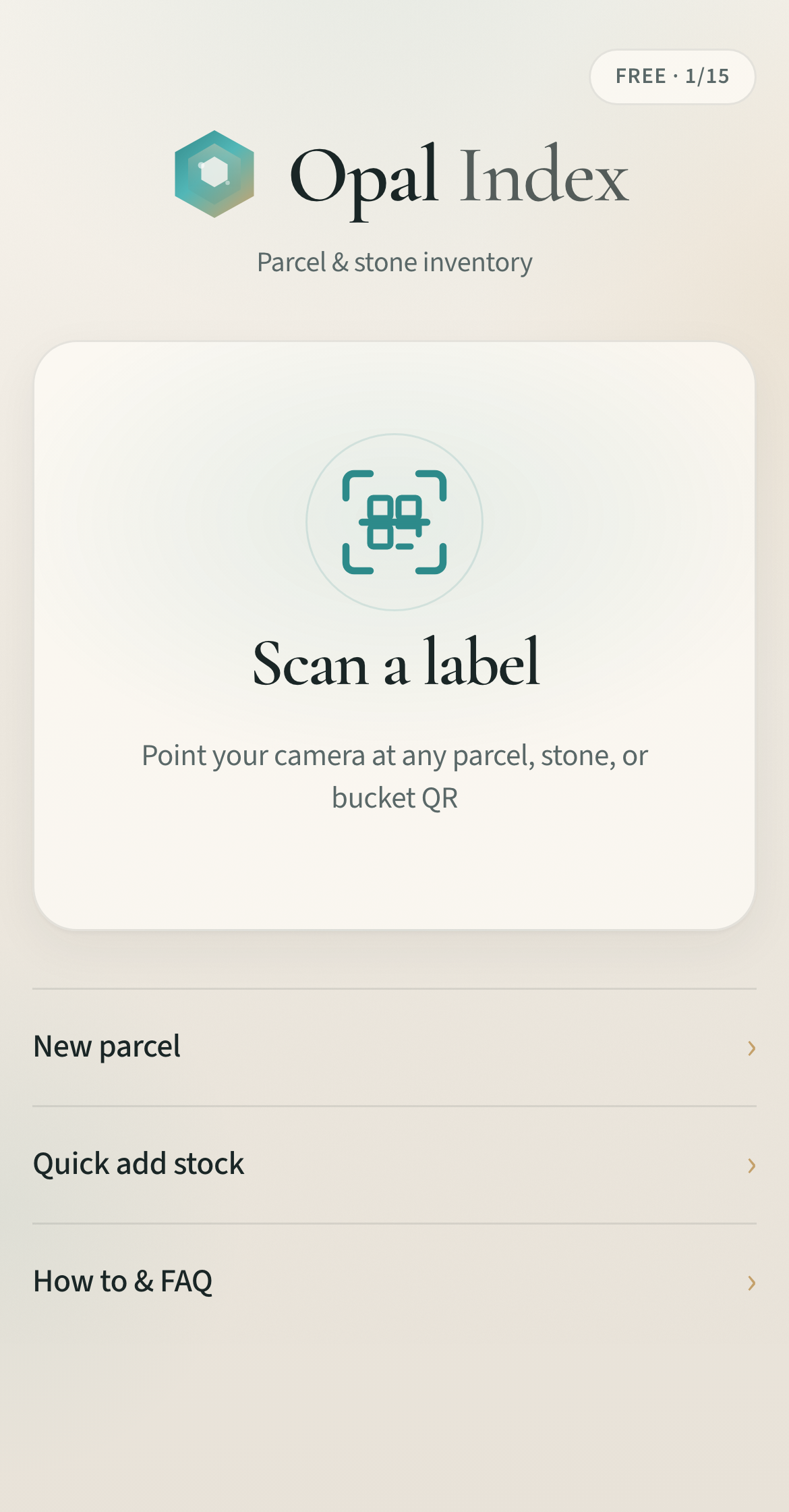
- Home → Scan a label.
- Point the camera at the QR, or type P-0001.
- Free includes 40 scans per month; PRO is unlimited.
5. Upgrade when you need more
More → Tools → Billing. Coupon or Stripe Checkout unlocks PRO: unlimited parcels & scans, CSV import, audit pack, public pages, up to 20 label copies.
In-app walkthrough: Quick start (requires sign-in).